
tech gear
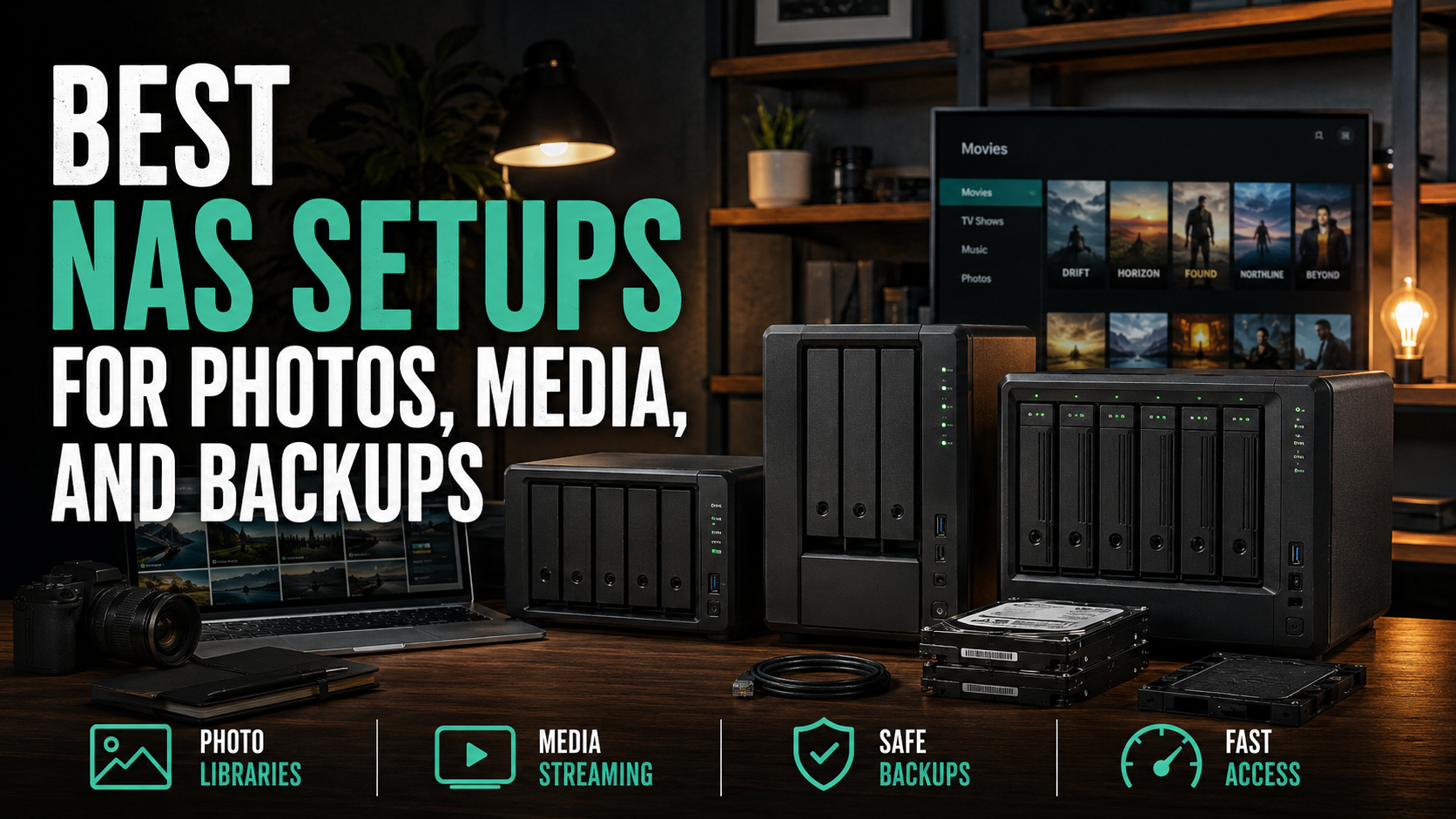
Best NAS setups for photos, media, and backups
A practical 2-bay NAS setup for normal households that want one place for family photos, media libraries, and backups without building a weird little datacenter.
As an Amazon Associate, we earn from qualifying purchases at no extra cost to you.
If your photos live on three phones, a random USB drive, and one laptop that is absolutely going to die at the worst possible time, a NAS starts making a lot of sense. Not because it is sexy, but because it gives you one box that can hold the family photo library, keep a Plex stash organized, and stop backups from being that thing you swear you will set up next weekend.
The trick is not overbuilding this. Most normal households do not need a giant four-bay monster humming in a closet like a tiny tax audit. A simple 2-bay NAS with good drives is the sweet spot. It is enough for photos, home videos, phone backups, shared files, and a media library, while still staying affordable and easy enough that you might actually keep using it.
TL;DR picks
- Best NAS for most households: Synology DS223
- Best drive pick if you want the safe boring answer: WD Red Plus 8TB
- Best drive pick if you want similar performance with a little more punch: Seagate IronWolf 8TB
1) Synology DS223
- Amazon: Synology DS223
This is the part I would start with for most people because Synology is still the easiest on-ramp for home NAS use that does not feel half-finished. The DS223 is a straightforward 2-bay box for families, home offices, and anybody tired of pretending a stack of portable drives counts as a backup plan. It is not the cheapest enclosure you can buy, but it is one of the easiest to live with once you actually start setting up photo storage, shared folders, remote access, and automated backups.
What makes it work is that it stays in its lane. This is not a flex machine for power users who want to virtualize half the internet. It is the sane pick for centralizing iPhone photos, Windows or Mac backups, household documents, and a Plex or Jellyfin library that is mostly direct-play. If your goal is “normal people storage, but done right,” this is the move.
Pros
- Easy setup and cleaner software than most bargain NAS boxes
- Great fit for photos, shared files, Time Machine, PC backups, and light media duty
- 2-bay layout keeps the cost and complexity under control
Cons
- Costs more up front than a slapdash USB-drive solution
- Not the right box for heavy transcoding or homelab nonsense
- You still need to buy drives separately, which is where the real money goes
2) WD Red Plus 8TB
- Amazon: WD Red Plus 8TB
If you want the least dramatic drive recommendation, this is it. WD Red Plus is the boring good answer for a 2-bay home NAS because it is built for exactly this kind of always-on storage job, and it tends to be the drive family people land on when they just want reliable CMR NAS drives without turning the purchase into a full-time hobby.
For photo backups, household file storage, and a decent-size media library, 8TB is a comfortable starting point. Two of these in a mirrored setup gives you breathing room without blowing the budget completely apart. It is the kind of pick that makes sense for families who want something stable more than they want bragging rights on a spec sheet.
Pros
- Safe all-around choice for a first real NAS setup
- Good capacity for photos, media, and full-computer backups
- Easy recommendation if you want proven NAS-focused drives
Cons
- Usually not the cheapest dollars-per-terabyte option on Amazon
- Two-drive redundancy still is not a full backup by itself
- Can feel expensive once you realize you need to buy a pair
3) Seagate IronWolf 8TB
- Amazon: Seagate IronWolf 8TB
The IronWolf is the alternate pick if you want a drive in the same general class but prefer Seagate’s NAS line or catch it at a better price. It is a legit option, not the weird compromise choice. For a home NAS holding family media, backup archives, security footage, or shared work files, it lands in the same practical zone as WD Red Plus.
This is the one I would compare directly against the WD when you are ready to buy. If the price is meaningfully better on the day you order, grabbing IronWolf instead is not some downgrade. It is just the other normal-person NAS drive that actually belongs in this conversation.
Pros
- Strong alternative to WD Red Plus for normal 2-bay NAS use
- Good fit for mixed photo, media, backup, and archive workloads
- Often worth buying when pricing beats the WD equivalent
Cons
- Not automatically better than WD Red Plus unless the price is
- Still a hard drive, so noise and vibration are part of the deal
- Like any NAS drive, it is only half the plan without a real backup strategy
What I would actually buy
For most people, I would buy the Synology DS223 and fill it with two matching 8TB drives. If the WD Red Plus pair is close in price, I would take the safe boring route and buy those. If the IronWolf pair is clearly cheaper that day, I would buy Seagate and not lose a second of sleep over it.
That is really the whole play. Buy a decent 2-bay Synology, use matching NAS drives, turn on automatic phone and computer backups, and stop trusting random loose drives with your family history.
Quick buying advice
- For family photos, phone backups, and shared household files, buy the DS223 and keep it simple.
- For the safest no-drama drive choice, buy the WD Red Plus pair.
- For roughly the same job with potentially better pricing, buy IronWolf if the deal is better that week.
Bottom line: the best NAS setup for most homes is not complicated. It is one good 2-bay box, two matching NAS drives, and a boring backup routine you will actually stick with.