
tech gear
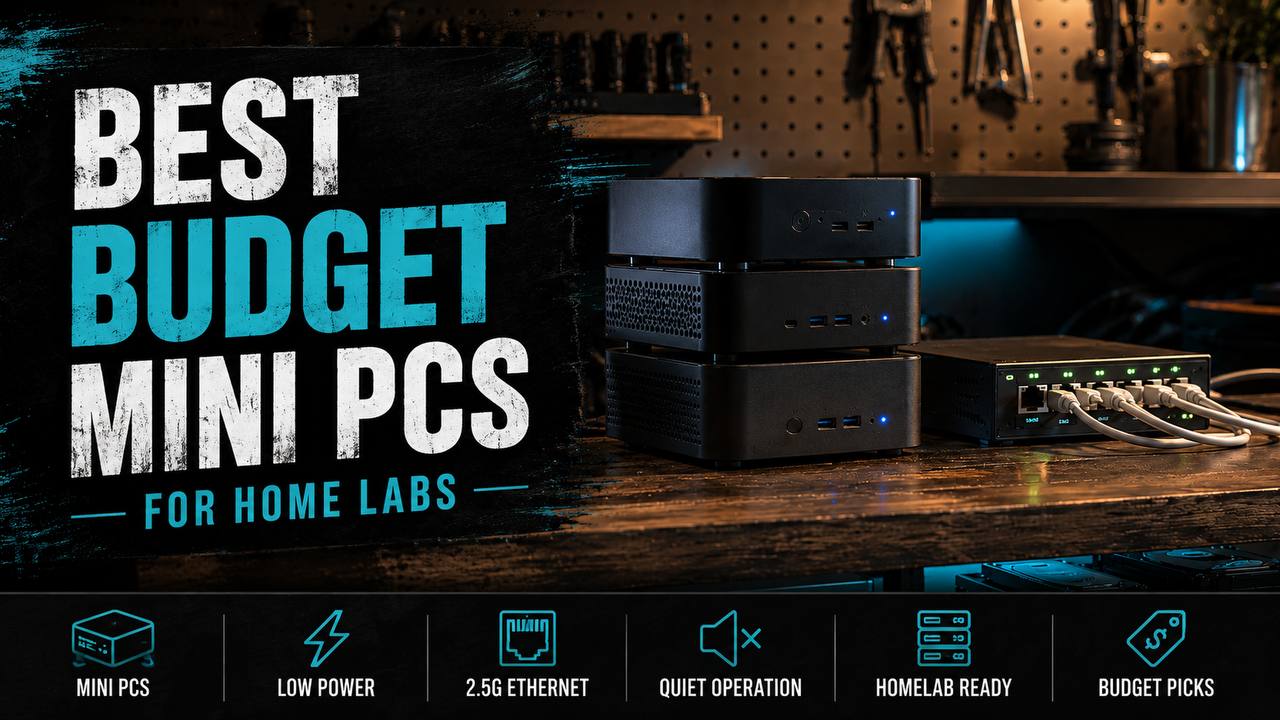
Best budget mini PCs for home labs
Budget mini PCs that make sense for Home Assistant, Docker, Plex, and small Proxmox labs without turning into noisy, power-hungry junk.
As an Amazon Associate, we earn from qualifying purchases at no extra cost to you.
As an Amazon Associate, we earn from qualifying purchases at no extra cost to you.
If you want a small home lab box that sips power and does not sound like a leaf blower in the corner, mini PCs are the move. For most people, the sweet spot is not a rack, not a giant tower, and definitely not some mystery-spec e-waste brick with a fake coupon glued to it.
The real question is what kind of lab you are building. If you just want Home Assistant, Pi-hole, Tailscale, and a couple Docker containers, a cheap Intel N100 box is usually enough. If you want more headroom for Plex, multiple VMs, or a nicer Proxmox setup, spending a little more up front saves you from upgrading again in three months.
One quick note before the links: mini PC listings on Amazon bounce around by RAM and SSD config constantly, so the Amazon links below go to the exact model family when one clean stable product page was not worth pretending to be certain about. The official product pages are there too so you can verify specs before you buy.
TL;DR picks
- Best cheap starter: GMKtec NucBox G3
- Best all-around budget lab box: Beelink EQ13
- Best if you want more breathing room: MINISFORUM UN100P
1) GMKtec NucBox G3
- Amazon: GMKtec NucBox G3
- Specs: GMKtec NucBox G3 official page
This is the cheap little box I would point most first-time home lab people toward. It is usually one of the lower-cost N100 mini PCs that still feels legit enough to trust for light 24/7 duty. For Home Assistant, AdGuard Home, a Unifi controller, basic file shares, Tailscale, and a few lightweight Docker services, it makes a lot of sense.
The upside is simple: low power draw, quiet operation, and a price that does not make experimentation feel stupid. The downside is also simple: once you start stacking VMs, heavier containers, or media jobs, you will hit the ceiling pretty fast.
Pros
- Usually one of the cheaper real N100 options
- Fine for Home Assistant, Pi-hole, and small Docker stacks
- Quiet and easy to tuck anywhere
Cons
- Limited expansion compared with pricier boxes
- Not the one I would buy for a serious Plex transcode setup
- Cheap configs can ship with underwhelming SSDs
2) Beelink EQ13
- Amazon: Beelink EQ13
- Specs: Beelink EQ13 official page
This is the safer middle pick if you want your lab to stay small but not feel cramped immediately. The Beelink stuff usually lands in a nice zone where setup is painless, thermals are decent, and the hardware feels a little less bargain-bin than the absolute cheapest boxes.
For a normal home lab, this is where I would start if the budget allows it. You get enough CPU for Docker, Home Assistant, light Proxmox duty, download tools, basic NAS tasks, and even a small Plex setup if your expectations are reasonable. It is not a monster, but it does not feel flimsy either.
Pros
- Better balance of price, polish, and everyday reliability
- Good fit for Docker, Home Assistant, and a small VM stack
- Usually a cleaner buy than random no-name mini PCs
Cons
- Costs more than the true bargain options
- Still an N100-class box, so there is a clear upper limit
- Storage and RAM config matters a lot, so do not buy the weakest trim blindly
3) MINISFORUM UN100P
- Amazon: MINISFORUM UN100P
- Specs: MINISFORUM UN100P official page
MINISFORUM is the pick I like when you want a more refined little box without jumping straight into used enterprise gear or overspending on something flashy. The UN100P is still a budget-minded machine, but it feels like the version of this idea for people who already know the lab is going to grow a bit.
This is the one I would lean toward if you want nicer build quality, a cleaner desk or rack shelf look, and a bit more confidence that the system will not feel tapped out the second you add backups, a dashboard, and a few extra services. It is still not your answer for a huge VM playground, but it is a very solid always-on home lab node.
Pros
- More polished overall than the cheapest options
- Good fit for a tidy always-on home lab node
- Strong choice if you care about noise, footprint, and efficiency
Cons
- Usually not the absolute cheapest dollar-per-performance buy
- You are still paying mini-PC pricing, not used-office-PC pricing
- Not worth it if your real plan is a heavy virtualization box
What I would actually buy
If you just want to get a home lab running for the least money, grab the GMKtec and keep the workload light. If you want the best mix of price and “I am not going to regret this next month,” buy the Beelink EQ13. If you want the nicest version of the budget-mini-PC idea, go MINISFORUM.
There is also one boring truth here that matters more than brand arguments: buy more RAM and a better SSD if the option is reasonable. That upgrade usually does more for daily lab sanity than obsessing over tiny benchmark differences between near-identical low-power CPUs.
Quick buying advice
- For Home Assistant + Pi-hole + a few containers, the GMKtec is enough.
- For Docker + light Proxmox + basic Plex, the Beelink is the safer bet.
- For a cleaner long-term always-on node, the MINISFORUM is the nicer buy.
Bottom line: for most people building a small home lab in 2026, an N100 mini PC is the right level of boring. Cheap to run, easy to hide, and strong enough for the stuff people actually keep running at home.