
audio
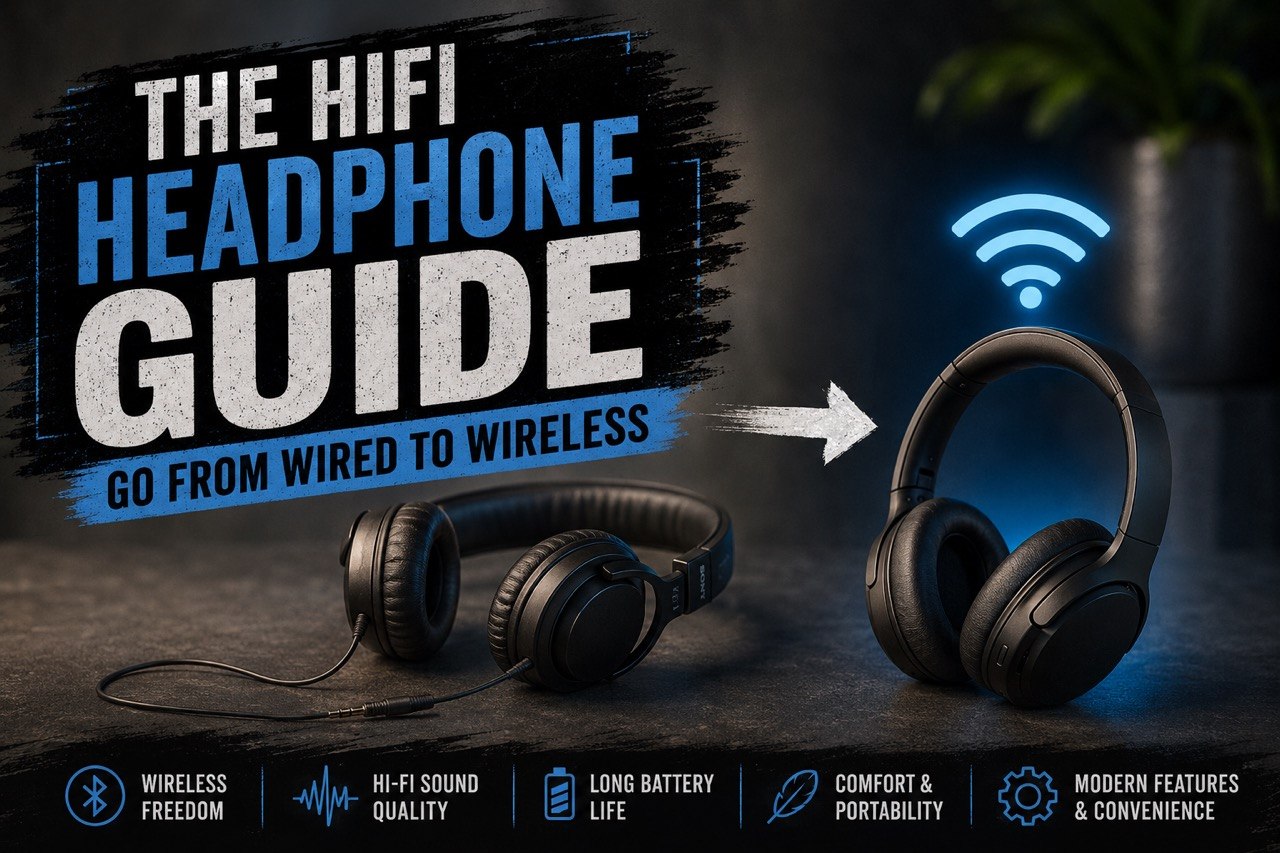
Hi-fi headphones guide for a desk setup that goes from wired to wireless
A practical headphone guide for desk setups, gaming, music, and switching between wired and wireless listening.
As an Amazon Associate, we earn from qualifying purchases at no extra cost to you.
Several years ago I wanted to move away from typical gaming headsets and into better hi-fi headphones for my PC setup. I spent a stupid number of hours trying different combinations to get the best sound for the least money. I listen to music while I work, game at my desk, and still need a mic for calls and voice chat, so the goal became simple: better sound without losing flexibility. Once I had the wired setup dialed in, I also wanted an easy way to get up from the desk and keep listening without completely reworking everything. That is what this guide is about.
Step 1 - Headphones
If you already have headphones you like, you can skip this step. The main thing that helps is having a detachable 3.5mm cable. If the cable is permanently attached, the setup still works, it is just a little clumsier.
Philips Audio SHP9500 HiFi Precision Stereo
I own these and used them for years and still do as my backup set and for my laptop if I’m traveling. They have a detachable 3.5mm cable and work well with this setup. They are open back which could be a drawback or a plus depending on where you are listening. If you are home and it is relatively quite you’ll have a much wider soundstage and IMO a better overall sound quality than closed back. But this is personal preference.
Audio-Technica ATH-M40x
I do not own these but they are good quality and fit the bill for everything mentioned above. The difference is these are closed back, so if you are at work, are in a noisy environment or you just prefer not to hear any ambient sounds in the room, these are the best starting point for this setup.
Step 2 - Audio DAC and Headphone Amp
I recommend using either a DAC plus headphone amp or a good combo unit. A simple version of the separate setup looks like this: run an optical cable like the KabelDirekt TOSLINK – Optical Audio Cable from your PC to a DAC like the S.M.S.L SU-1, then use RCA cables like the CableDirect – 3ft RCA to connect the DAC to an amp such as the Monolith Liquid Spark Headphone Amplifier.
Money-saving option
If you do not want separate DAC and amp boxes, you can go with a combo unit instead, like the Syba DAC Digital to Analog Headphone Amplifier or the S.M.S.L DS100 DAC AMP. The Syba is the cheaper route, while the SMSL is the nicer step up. You would still use an optical cable from the PC to the combo unit.
Step 3 - Setting up the Bluetooth
This is where the setup gets fun. To switch from corded to wireless more easily, use a Bluetooth transmitter like the 1Mii B03+ 5.3 Bluetooth Transmitter. I use an older 1Mii version myself. Yes, your PC may already have Bluetooth, but running the transmitter off the amp is what makes the whole system smoother, and the range is usually better too.
Important step
Connect the Bluetooth transmitter to the line out or pre-out on the amp. Usually that means a 3.5mm-to-RCA cable from the transmitter into the amp outputs. That is the piece that lets your wired setup and wireless listening share the same signal path.
Step 4 - Bluetooth Dongle for your Headphone
This part is easy. You need a small Bluetooth receiver dongle like the 1Mii Bluetooth Receiver Adapter. I use an older version from the same brand. When you want to go wireless, unplug your headphone cable from the headphones, connect the dongle, and pair it to the transmitter.
Step 5 - Bringing it all together
After everything is hooked up and you’ve unplugged the headphones from the amp and taken the 3.5mm cord out of your headphones you will pair the dongle to the bluetooth transmitter. What makes this setup so great is you do not have to change any settings on your pc. Because you are running it through the dac/amp the pc recognizes it as the same audio device. If you notice the sound is low just turn up the volume on the amp as that affects the output to the bluetooth transmitter.
Once it is paired, you are basically done. The nice part is that your PC still sees the same core audio chain, so you are not constantly changing settings every time you want to move around.
Optional Items
If you want to be able to talk you have 2 options. You can go with a wireless mic like the one from Antlion. I have this mic and it is great. Super easy to use and sounds perfect.
It mounts with a magnet, so you can pop it on and off easily:
Antlion Audio ModMic Wireless Attachable Boom Microphone
The other option is a desktop mic. If you are only talking when you are sitting at your desk this can be left on all the time and easily muted with a button on the mic:
HyperX SoloCast – USB Condenser Gaming Microphone
I also recommend a headphone stand so your headphones are not getting beat up on the desk.