
tech gear
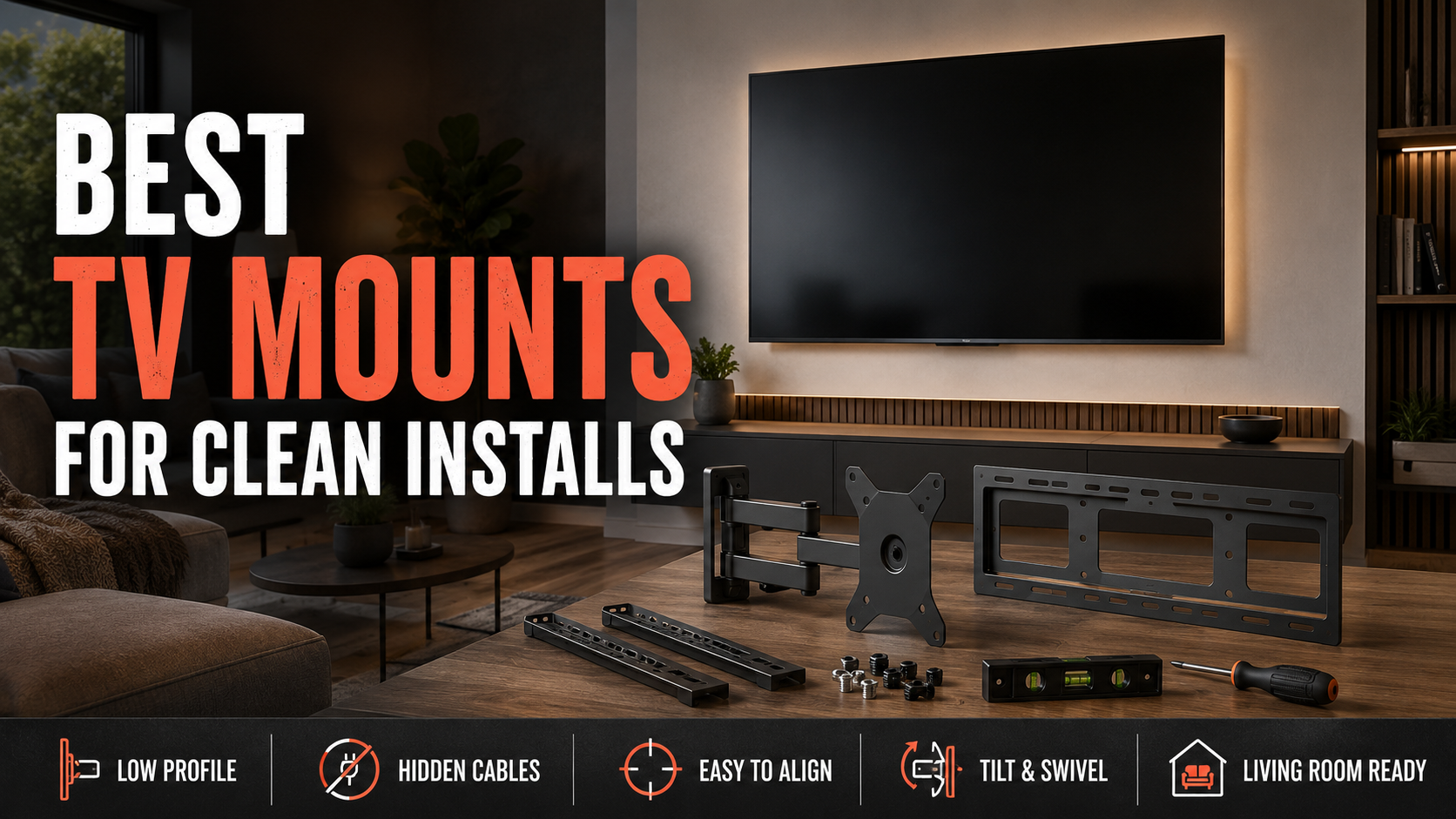
Best TV mounts for clean installs
Three TV mounts that make a wall-mounted setup look intentional, with the right answer for a slim fixed install, a budget full-motion setup, and a big-screen splurge.
As an Amazon Associate, we earn from qualifying purchases at no extra cost to you.
Featured Amazon Picks
Mounting a TV is one of those projects that can make a room look immediately better or immediately reveal every shortcut you took. The screen is easy. The annoying part is choosing a mount that fits the TV, lands on actual studs, leaves room for cables, and does not turn into a wobbly metal regret the first time you need to reach an HDMI port.
You do not need an expensive full-motion arm for every TV. In fact, most living-room installs look better and sit flatter with a basic fixed mount. But if the couch is off to one side, the TV lives in a corner, or you know you will be plugging in game consoles and streaming boxes forever, an articulating mount earns its keep fast.
These are the three lanes that make sense: a low-profile Sanus for the cleanest look, a Mounting Dream for a sensible full-motion buy, and an Echogear for bigger screens or people who want the nicer install experience.
TL;DR picks
- Best low-profile TV mount: SANUS Low Profile Fixed TV Wall Mount
- Best budget full-motion TV mount: Mounting Dream MD2380 Full-Motion TV Wall Mount
- Best full-motion step-up mount: ECHOGEAR EGLF1 Full-Motion TV Wall Mount
Before you buy: the three checks that save the swear jar
First, look up your TV’s VESA pattern and weight. That is the bolt pattern on the back of the TV, and it matters more than the screen size printed on the box. Second, confirm where the wall studs actually are. A mount rated for a huge TV still does not belong in drywall alone. Third, think about cables before the screen is hanging: a super-slim fixed mount can make a stiff power cord or side-facing HDMI port a real pain.
If you are replacing an old mount, do not assume the new bracket will line up with the old holes. Treat that as a lucky bonus, not a plan.
1) SANUS Low Profile Fixed TV Wall Mount
For the TV that will stay pointed straight at the couch, this is the grown-up answer. A fixed Sanus mount keeps the screen close to the wall, which is what makes a mounted TV look clean instead of like it is hovering over the furniture. It is a particularly good fit for a living room, bedroom, or basement setup where the viewing position is obvious and nobody needs to swing the screen around.
The tradeoff is access. Once the TV is up, getting behind it takes more effort, so set up your cables and streaming hardware first. This is not the mount for a TV you constantly rewire. It is the mount for the person who wants the room to look finished.
Pros
- Slim profile gives the cleanest wall-mounted look
- Simple fixed design means less cost and less to sag or loosen
- Great for TVs that always face one seating area
Cons
- No swivel or tilt for off-angle seating
- Cable changes are less convenient after installation
- You still need to hit studs and confirm TV compatibility
2) Mounting Dream MD2380 Full-Motion TV Wall Mount
The Mounting Dream is the practical middle-ground pick. It gives you the useful stuff—swivel, tilt, and an arm that brings the TV forward—without making the mount cost as much as a small appliance. It is a smart choice for a corner TV, a room with seating on more than one side, or a setup where glare changes through the day.
Its dual-arm design is more substantial than the bargain-bin single-arm mounts, but it is not magic. Full motion puts more leverage on the wall, so take stud placement seriously and do not improvise into drywall. The mount also sits farther out than the Sanus fixed option when closed. That is the price of being able to move it.
Pros
- Swivel and tilt help with corner rooms and off-center couches
- Dual arms make it a more confident choice than flimsy cheap arms
- Strong value for a normal 32- to 65-inch TV setup
Cons
- Does not give you the ultra-flat fixed-mount look
- Needs solid stud placement and a little more installation care
- More moving parts than a simple fixed bracket
3) ECHOGEAR EGLF1 Full-Motion TV Wall Mount
The Echogear is where I would spend a little more if the TV is big, the wall is prominent, or I know I will adjust the screen regularly. This is the sort of mount that makes sense behind a 55- to 70-inch living-room TV: plenty of articulation for glare or side seating, with a more premium, less sketchy feel than the random alphabet-brand options that flood Amazon.
It is not automatically better than the Mounting Dream for every room. If the TV never moves, it is extra money and extra bulk you do not need. But when you want a larger screen to pull out, turn, and still feel stable, this is the upgrade that makes sense.
Pros
- Better fit for bigger screens and frequent adjustments
- Full-motion design is useful for angled seating and glare control
- A good step-up from basic budget brackets
Cons
- Costs more than the Mounting Dream
- More wall clearance and visible hardware than a fixed mount
- Installation is still a two-person job once the TV is involved
What I would actually buy
For a normal straight-on living-room install, buy the Sanus fixed mount and spend the difference on hiding the cables properly. It is the least sexy choice and usually the one that looks best six months later.
Buy the Mounting Dream when the room layout forces the issue: corner placement, a sectional that wraps around the room, or afternoon glare that makes the TV unwatchable from one seat. Spend up for the Echogear when the screen is larger and you expect the arm to do real work. A big TV on a flimsy mount is not saving money. It is just adding suspense to movie night.
A few install moves that make the result look better
- Use a stud finder, then verify with a small pilot hole before committing to the mount plate.
- Mount the TV lower than your first instinct. Looking slightly down is comfortable; looking up at a too-high TV gets old fast.
- Test every HDMI device and power cable before hanging the screen for good.
- Leave enough slack for a full-motion arm to move without tugging a cable loose.
- If you are running in-wall power or cutting into walls, know your local code and call an electrician when the job stops being simple.
The mount matters, but the clean install comes from planning the wall, cable path, and viewing height before the drill comes out. Do that part right and even a modest TV looks like it belongs there.