
automotive
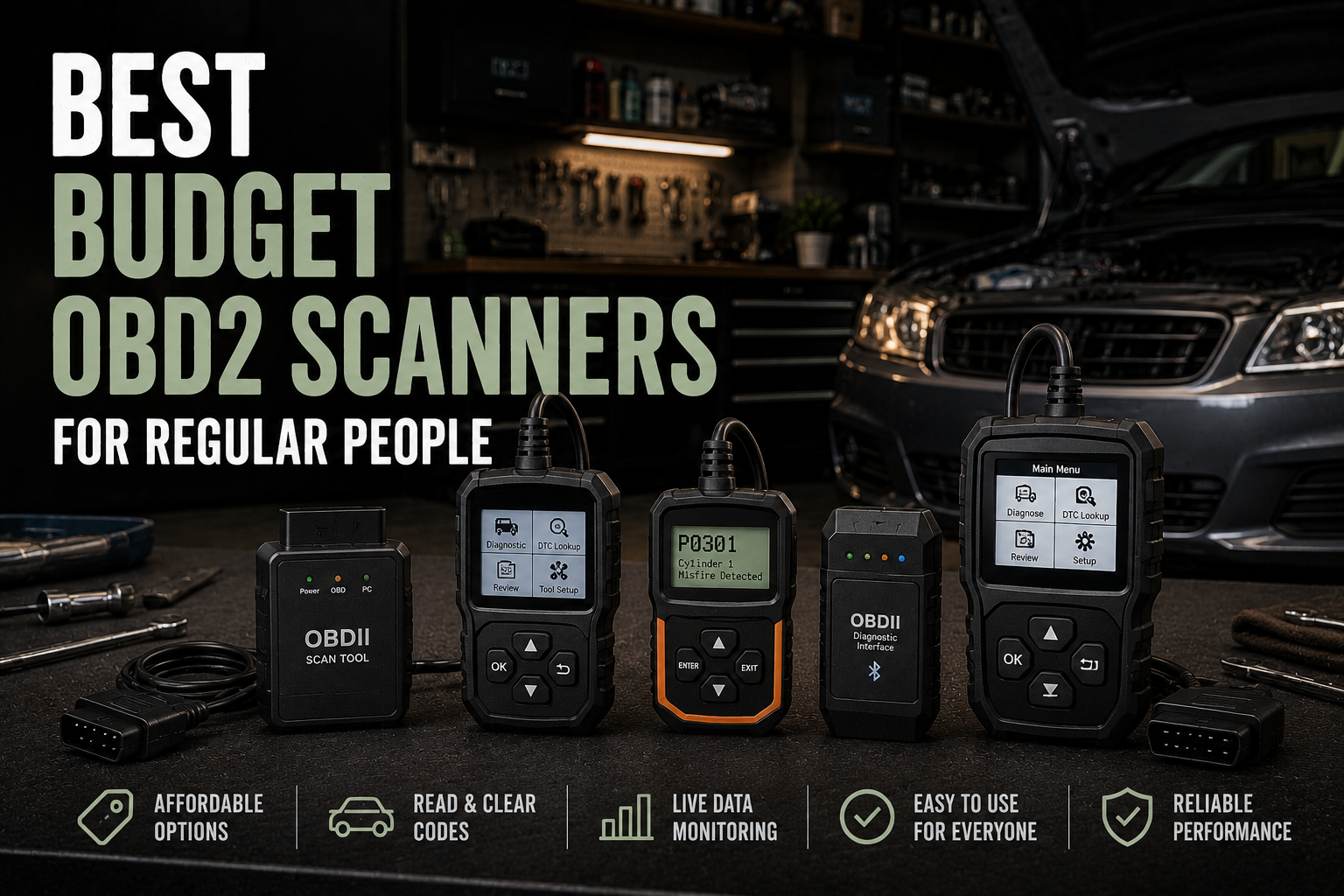
Best budget OBD2 scanners for regular people
Three OBD2 scanners that make sense when you want to read a check-engine light yourself, skip the dealership shrug, and avoid buying some overcomplicated mechanic cosplay gadget.
As an Amazon Associate, we earn from qualifying purchases at no extra cost to you.
Featured Amazon Picks
The second your check-engine light pops on, you get thrown into one of the dumbest little ownership rituals in normal car life. You either ignore it and hope it is nothing, or you hand the problem to a parts store or shop just to get told what code the car was already willing to tell you for free.
That is why a cheap OBD2 scanner is worth owning. Not because it turns you into a master mechanic. It does not. It just helps you figure out whether you are looking at a loose gas cap, a nuisance sensor, or something worth taking seriously before you start spending money. For most people, the right scanner comes down to one question: do you want a dead-simple handheld tool, a cheap Bluetooth dongle, or a nicer app-based setup that explains more?
TL;DR picks
- Best cheap simple scanner: ANCEL AD310
- Best cheap Bluetooth pick: Veepeak OBDCheck BLE
- Best step-up pick: BlueDriver Bluetooth Pro
1) ANCEL AD310
- Amazon: ANCEL AD310
If you want the least annoying answer to “why is my check-engine light on?” this is it. The AD310 is the basic, corded, button-driven code reader that regular people actually use instead of admire. Plug it in, read the code, clear the code after a repair, and move on with your day. No account, no phone pairing, no app permissions, no mystery fees.
That simplicity is the whole point. This is the scanner I would hand to somebody’s dad, cousin, or neighbor who just wants to know whether the car is throwing a small emissions tantrum or something more expensive. It is not fancy and it is not trying to be. It just gives you the info without turning the process into another little tech-support project.
Pros
- Cheapest no-nonsense option for reading and clearing basic engine codes
- No phone, battery, or app setup required
- Great fit for glovebox duty, older cars, and people who hate gadgets
Cons
- Wired handheld design is less convenient than Bluetooth options
- Mostly an engine-code tool, not a deeper all-systems scanner
- Gives you the code fast, but not much hand-holding about what to do next
2) Veepeak OBDCheck BLE
- Amazon: Veepeak OBDCheck BLE
This is the sweet spot if you like the idea of using your phone but do not want to spend BlueDriver money. The little dongle stays tiny, works with iPhone and Android, and lets you use solid apps like Car Scanner or OBD Fusion instead of being trapped in some junky brand-specific app that looks like it was built during a hangover.
The tradeoff is that the app matters as much as the hardware. That is not automatically bad, but it does mean this pick makes the most sense for people who are okay spending two extra minutes setting things up in exchange for better live data, easier logging, and a cleaner interface than the cheap handheld readers usually give you.
Pros
- Affordable Bluetooth option that works well for normal check-engine-light use
- Better live-data experience than bargain wired readers
- Small enough to toss in the console or keep in a garage drawer
Cons
- App choice affects the experience more than with a self-contained scanner
- Some advanced features depend on third-party apps, not just the dongle
- Not the best choice for people who want zero setup and zero phone nonsense
3) BlueDriver Bluetooth Pro
- Amazon: BlueDriver Bluetooth Pro
BlueDriver is not the cheapest thing in this list, but it is the one I would buy if you want a scanner that feels more helpful and less cryptic. The app is cleaner, the repair reports are more beginner-friendly, and it makes more sense for the person who is going to use the tool a few times a year and actually wants context instead of just a raw code and a shrug.
That said, this is the step-up pick, not the strict budget pick. If all you want is basic code reading, the cheaper scanners already do the core job. BlueDriver earns its spot because it is easier to live with, easier to recommend to less car-brained people, and less likely to leave you bouncing between random forum posts trying to decode what the scanner just spit out.
Pros
- Best app experience of the three for beginners who want more guidance
- Good fit for recurring troubleshooting on family cars
- Feels more polished than most cheap Bluetooth dongles
Cons
- Costs a lot more than the actual budget picks
- Overkill if you only want to read one code twice a year
- Still not a replacement for a real pro-level bidirectional scan tool
What I would actually buy
If you want the cheapest sensible tool, buy the ANCEL and call it a day. If you want more live data on your phone without getting ripped on price, buy the Veepeak. If you know you will actually use the thing and you want a friendlier app that explains more, BlueDriver is the one that feels the least janky.
That is the real split here. Cheap wired simplicity, cheap Bluetooth flexibility, or a nicer app-driven step-up. Most people do not need anything fancier than that unless they are already halfway down the DIY car-repair rabbit hole.
Quick buying advice
- For the lowest-cost glovebox tool that just reads the code and shuts up, buy the ANCEL AD310.
- For phone-based diagnostics and better live data without spending a ton, buy the Veepeak OBDCheck BLE.
- For the easiest step-up if you want more guidance and actually plan to use it, buy BlueDriver.
Bottom line: the best budget OBD2 scanner is the one that tells you what is wrong before you pay somebody else thirty bucks to plug in a scanner for ten seconds. You are not buying a magic fix. You are buying clarity.